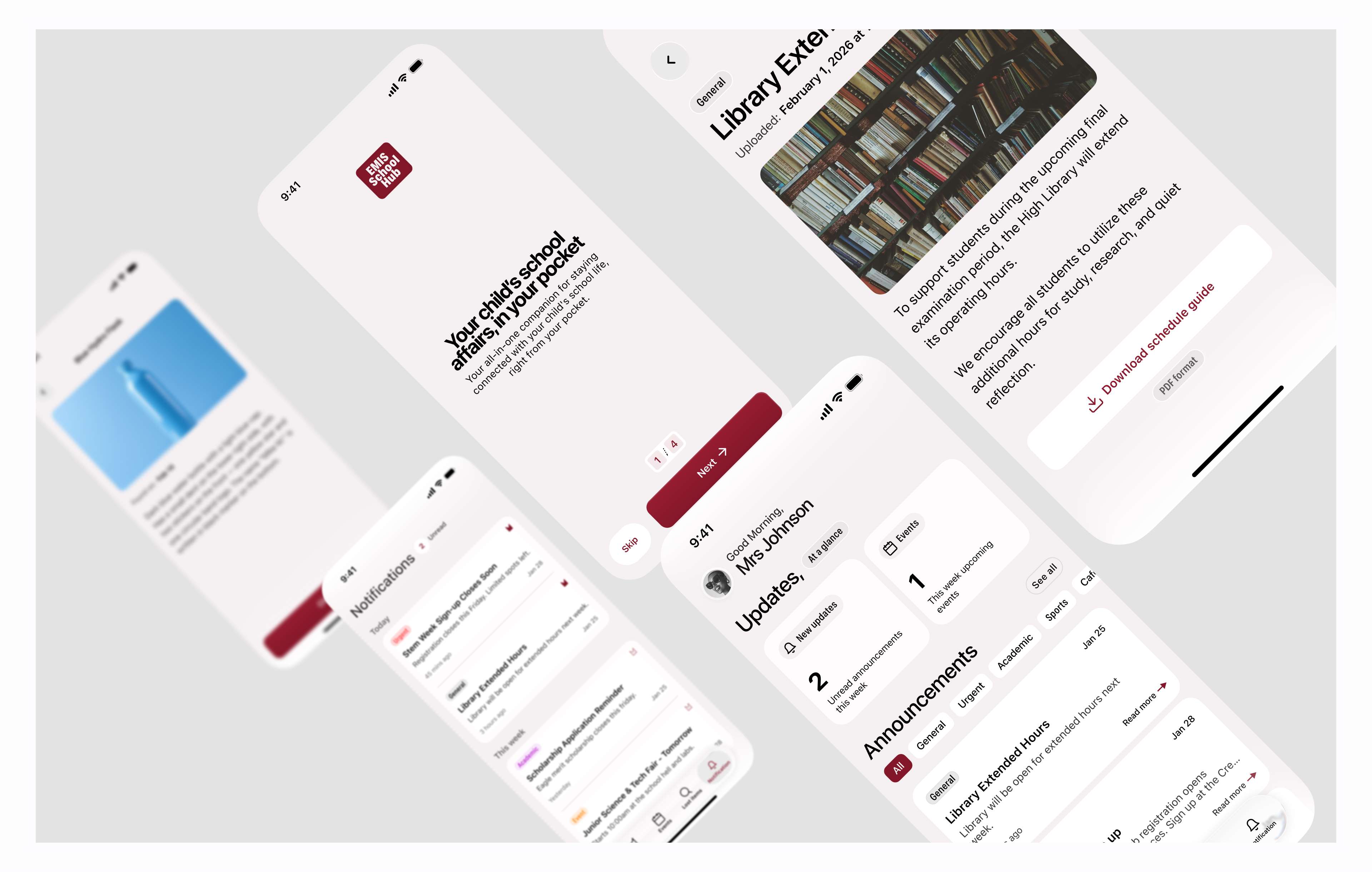
EMIS School Hub — App that help make communication between school and parent more effective and reliable.
Concept loved by parents and judges, Earned First place at the STEM day event.
Scroll down
Role
Product design Facilitator
Year
2026
Duration
2 weeks
Project Goal
Make staying connected with children's school matters easier and less chaotic for parents.
Important announcements get buried in group chats, or in things like I didn't get the information (missed announcements). EMIS school hub replaces scattered information, missed announcements, and fixes the issue of lost items. With a single app, parents can see what's happening, track upcoming events, and recover lost items without the usual back-and-forth chaos.
The problem
Most schools uses WhatsApp groups and word-of-mouth to communicate with parents, and that just isn’t good enough.
During a STEM Day planning session, my students and I were brainstorming project ideas when someone asked: "What if parents had one place to find everything they keep missing?" That question stuck. Most schools rely on WhatsApp groups and word-of-mouth, and it wasn't working. Announcements get buried. Event details get forgotten. Parents constantly ask, "Did I miss something?" or "When is that event again?"
Research
Majority of parents want school updates delivered through a dedicated app or direct messaging.
lost property is one of the most persistent and overlooked problems in schools
Large volume of lost school items go unreturned simply because the process of recovering them
Before touching any design tool, I needed to understand if this was just an EMIS problem or something bigger. On school communication: A 2024 study by SchoolCEO, surveying over 1,400 parents, found that the majority of parents want school updates delivered through a dedicated app or direct messaging — not notice boards, not printed flyers. This made me understand that demand for a better system already existed. Parents weren't asking for more information. They were asking for a place they could actually rely on for updates from the school.
On lost items: While exploring design directions, a lost-and-found feature in the app seems to me as a sound idea, so not just add the feature based on the idea- I researched it, and what I found was more serious than I expected. According to The End of Lost Property by My Nametags, lost property is one of the most persistent and overlooked problems in schools. Items pile up unclaimed because there's no efficient system for parents to check what's been found.
A separate report by Teach Early Years, which partnered with My Nametags on the same issue, highlighted that a large volume of lost school items goes unreturned simply because the process of recovering them — calling the school, coming in person, describing the item — creates too much friction for parents to follow through. That was the gap. Not that parents didn't care — they just didn't have an easy way to act.
Insight
Traditional methods put the effort on the parent.
After the research, one pattern became very clear: Traditional methods put the effort on the parent. WhatsApp groups require parents to scroll and search. Notice boards require physical presence. Recovering a lost item requires a repeating phone calls or a trip to school. Every single touchpoint added friction.
The opportunity wasn't just to design an app. It was to remove every unnecessary step between a parent and the information they needed.
Decision
Build one app with three focused features:
* Announcement * Event update * Lost and found
With the research done and the gaps mapped, the decision was clear: design one app with three focused features. No unnecessary complexity. Just the things that actually remove friction from a parent's day.
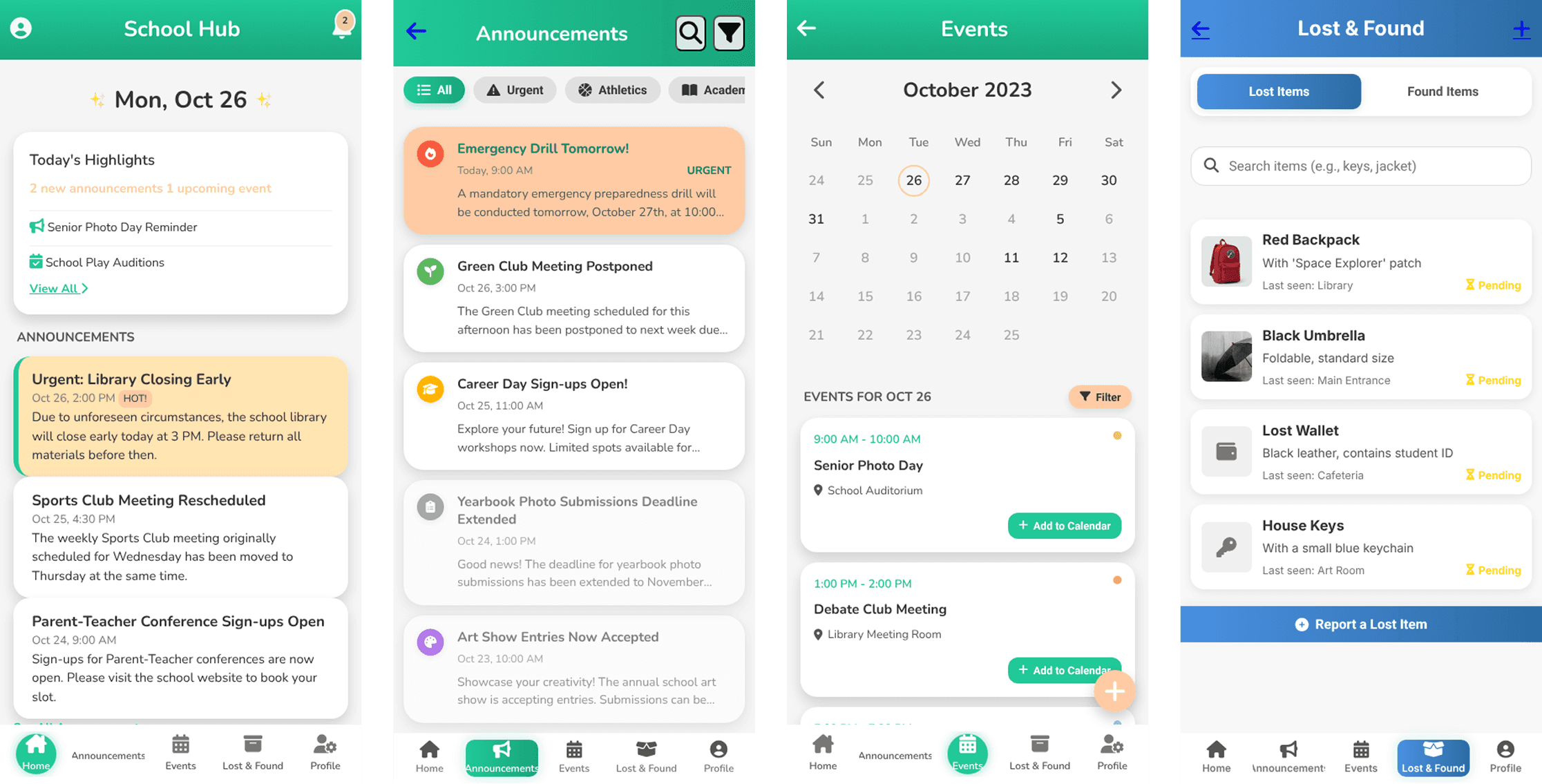
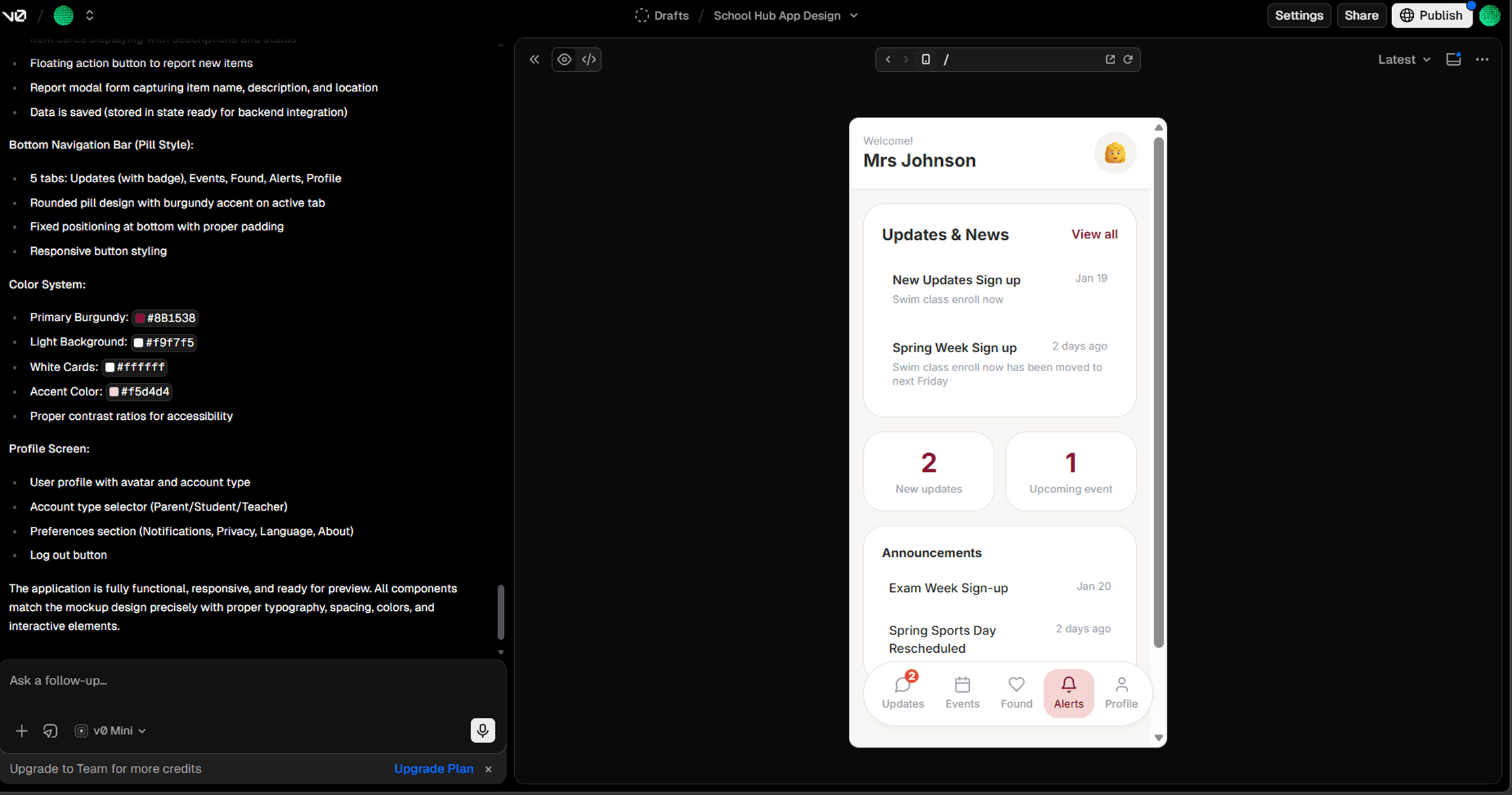
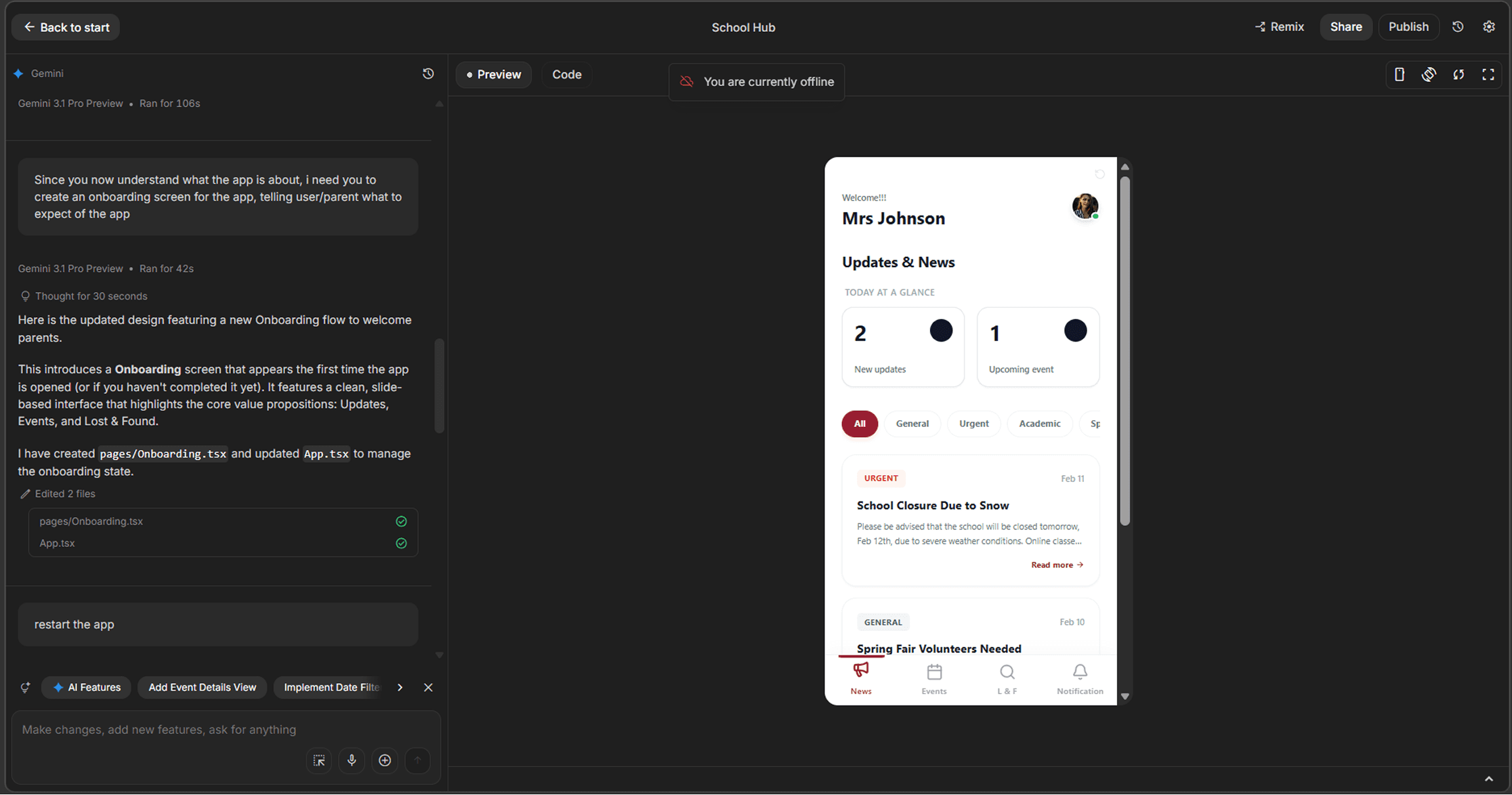
For speed in the design exploration, I used Moonchild.ai, v0.dev, and Google AI Studio to explore different design directions and layouts quickly.
Output from Moonchild AI
Output from v0
Output from Google AI studio
Once the ideas had shape, I brought everything into Figma to refine the visuals and give them a more polished, human feel.
I tried using Figma Make, v0 for prototyping but hit two problems — (1.) the output wasn't really matching the designs accurately, and (2.) I was burning through tokens really fast as well. To solve the token Issue,
I switched to Google AI Studio (free, no token pressure) and found a workaround that fixed the accuracy issue also just by copying the CSS code directly from Figma and drop it into the prompt with some other adjustment in the designs. That got the AI output looking exactly the way it was designed.
Once clear with the initial flow, my students and I walked through it multiple times end-to-end — checking that every problem started was addressed- A working solution in the app.
Onboarding
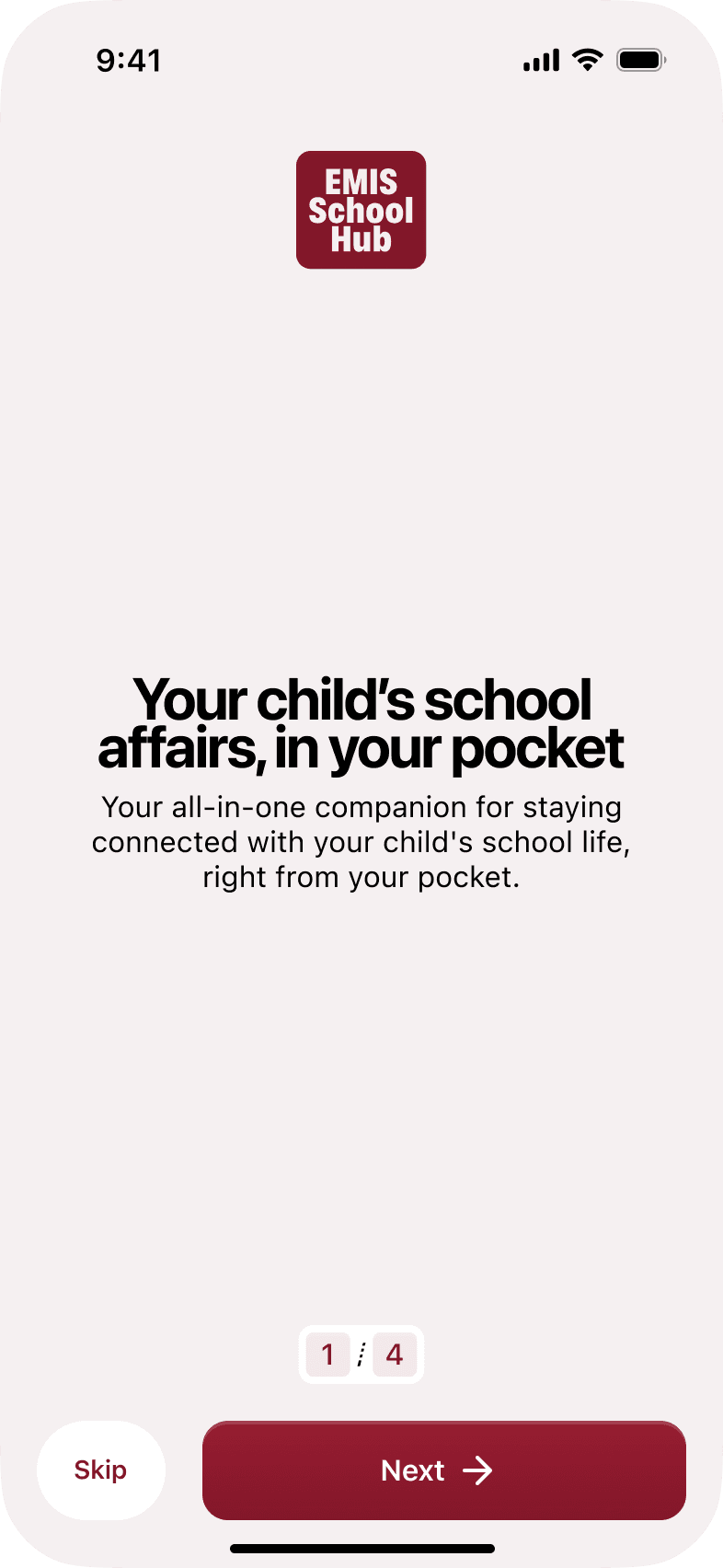
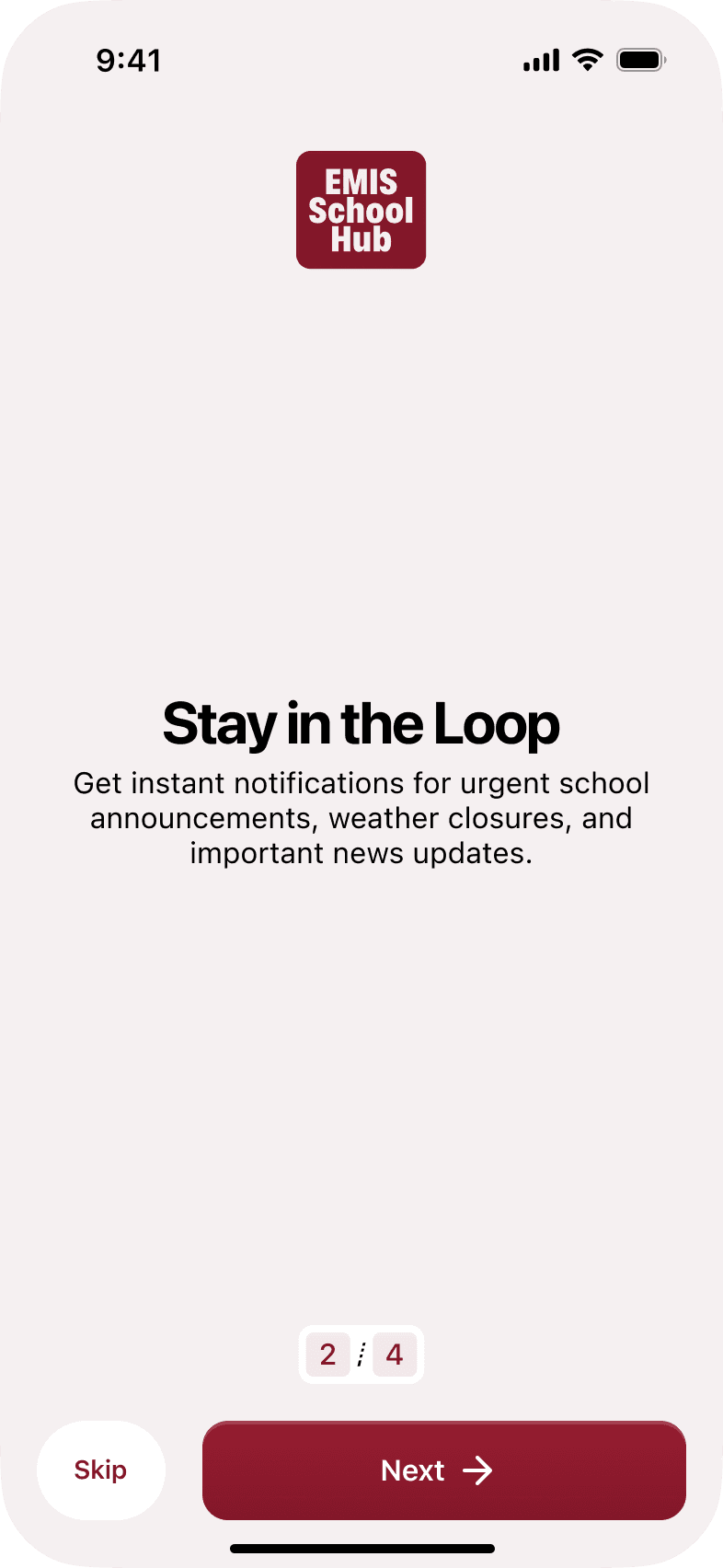
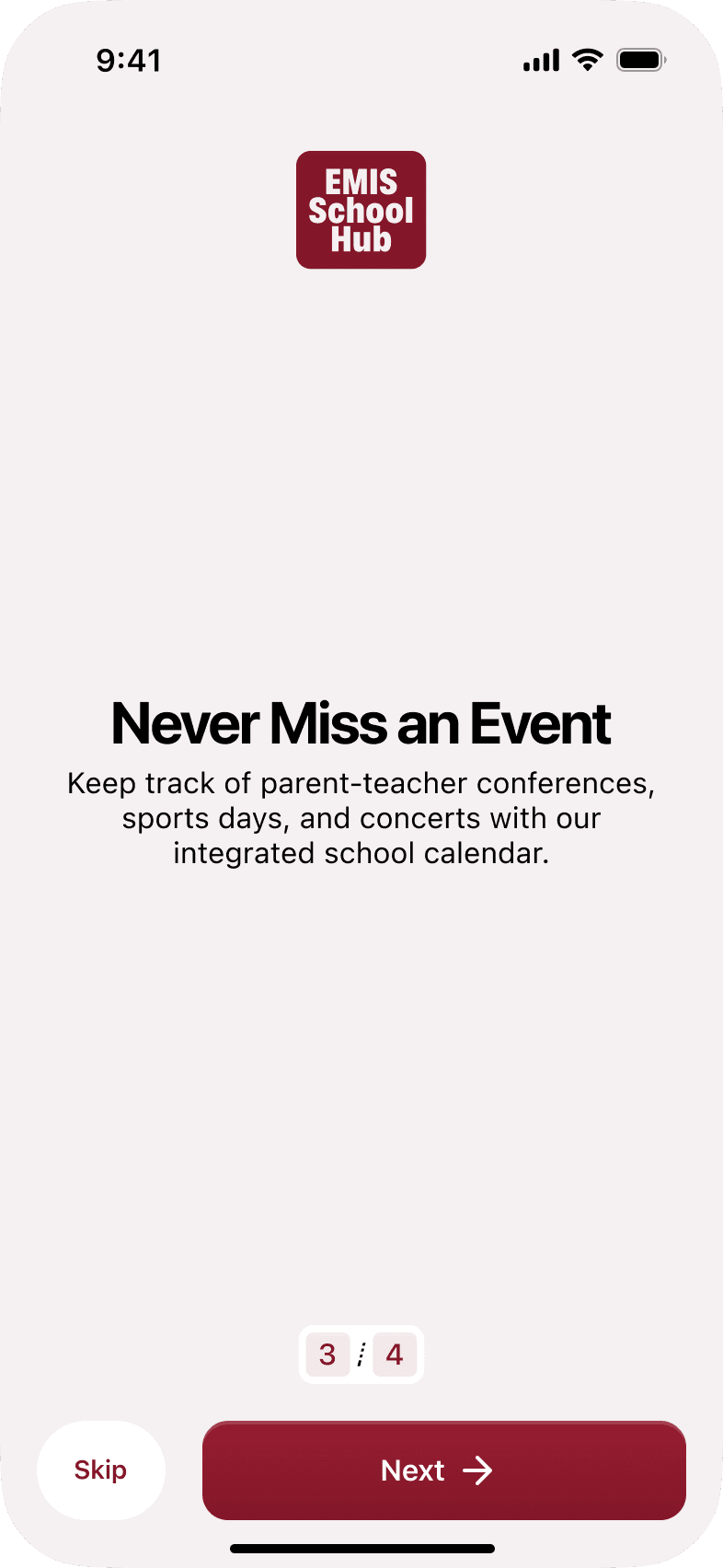
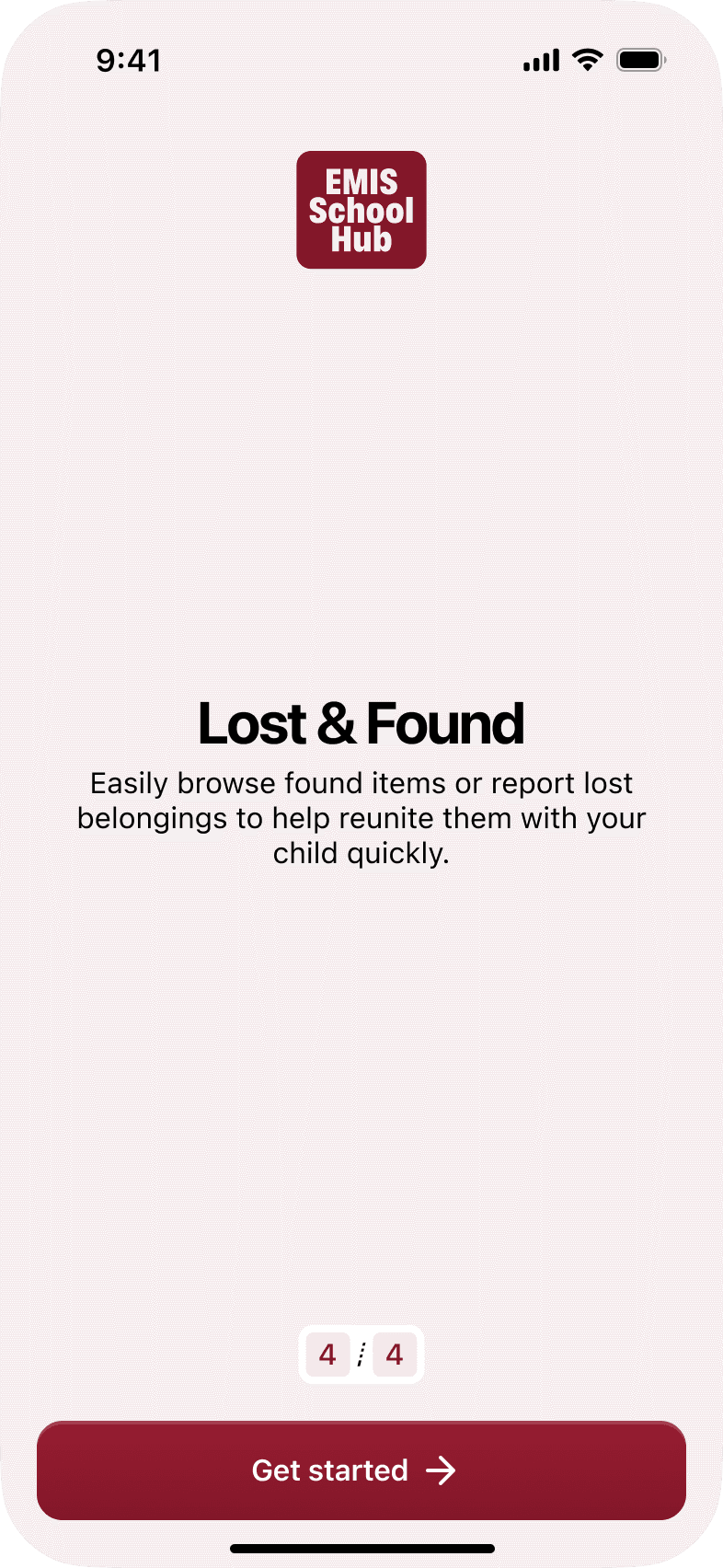

The onboarding presents the app’s value in short, focused steps. Each screen covers one benefit, reducing overload and guiding parents smoothly from understanding to sign-in.
Announcement

Designed a two-level system:
a scannable feed showing just enough—title, category, preview, and timestamp—so parents can quickly decide what needs attention, with filters to cut through the noise.
Tapping an announcement reveals the full story with complete text, attachments, and dates, keeping key details visible at the top.

Event
The Events section gives parents clear, reliable details about school activities, reducing missed information.
An “Add to Calendar” option helps them stay organized and prepared for upcoming events.

Lost and Found
The Lost & Found section is where all items found within the school are posted for parents to identify and claim.
If an item isn’t listed, parents can report it easily using the “Report Item” button.
For claims, parents who prefer not to describe items in writing can choose to call the school directly within a specified time window.

Other screen

Solution
EMIS School Hub — three features,
Announcements — a dedicated feed with push notifications, so important updates reach parents directly instead of getting buried in a group chat.
Events — a clean, always-visible event board with reminders, so parents never have to ask when something is happening
Lost & Found — a photo-based system where school staff post found items and parents browse and claim remotely, no phone call needed
Potential Concept Results
Based on these features, here’s what adoption could achieve:
Estimated reduction in missed announcements of 40–60% (assumes 70% opt‑in to push notifications
Increase event awareness by 50% by making event information accessible anytime with reminders
Improve lost item recovery by 30%, removing the friction that stops parents from following through